

Wise Octo Scene/Leading & Trailing Edge Dimming Receiver 240V 250W
Option A - Scene Programming
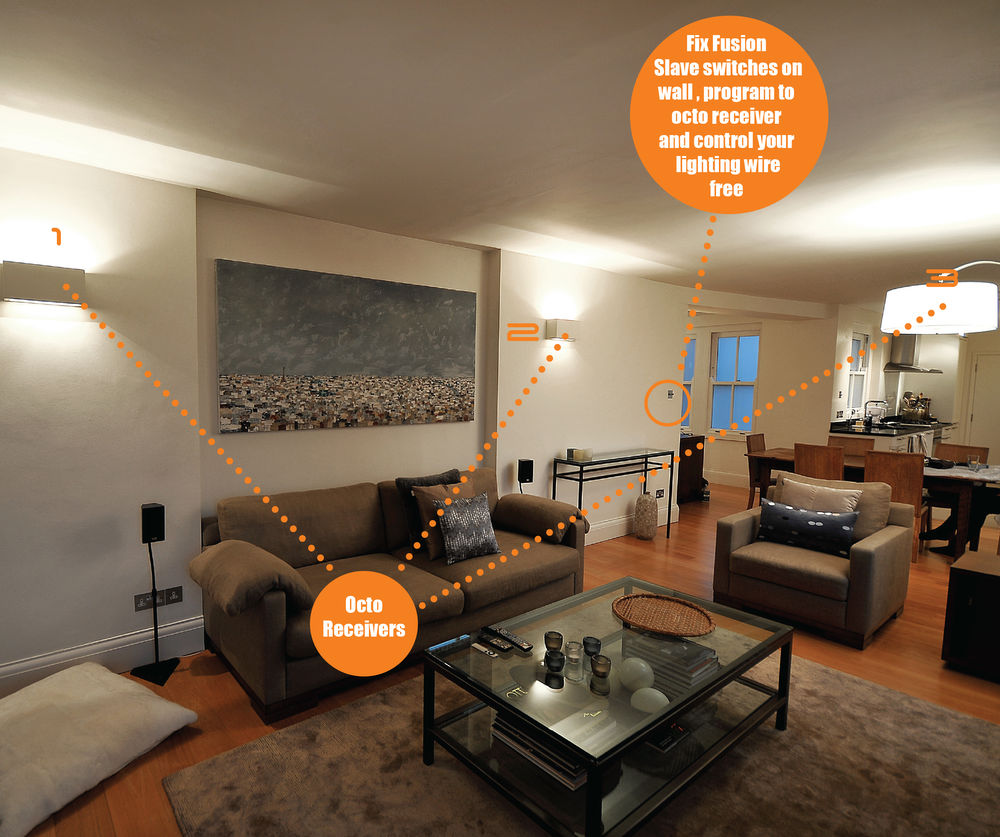
Programming a 7 button switch gives you 4 scenes, master raise/lower and off. A scene is a preset level of light for each circuit in a room. For example, you can have 4 receivers in your living room. Pressing scene 1 on the 7 button switch could give the following;
Downlights = 100%
Wall lights = 80%
Pendant = Off
Low level LEDs = 55%
Pressing scenes 2,3 and 4 can give other preset levels. Any level can be programmed to each receiver.
Option B - Dimming Programming
Programming a 1 button switch gives you on/off with a quick press and dimming up and down while holding the switch. When turning the lights on you can choose to always bring on the lights at 100% or the last dimmed level.
Option C - Switching ON only
Programming a 1 button switch gives you only ON. This function is used to program multiple circuits to ON.
Option D - Switching OFF only
Programming a 1 button switch gives you only OFF. This function is used to program multiple circuits to OFF.
Option E - Three Button Dimming
Programming a 3 button switch gives you raise function on the first button, dimming function on the second button and off function on the third button.
A receiver is not limited to one of the programming options. E.g. you can program a switch for scene control, another switch for dimming and another switch for master ON/OFF.
Wireless Switches and Remotes
A 7 button switch must be used if you require scene setting, Option A. Any button switch can be used when programming options B,C and D. To view other switches click the links on the right of this page, for example Wireless ID switches.
A wired push-to-make switch will work as a dimmer, Option B.
A Wise Scene Receiver is required for every circuit.
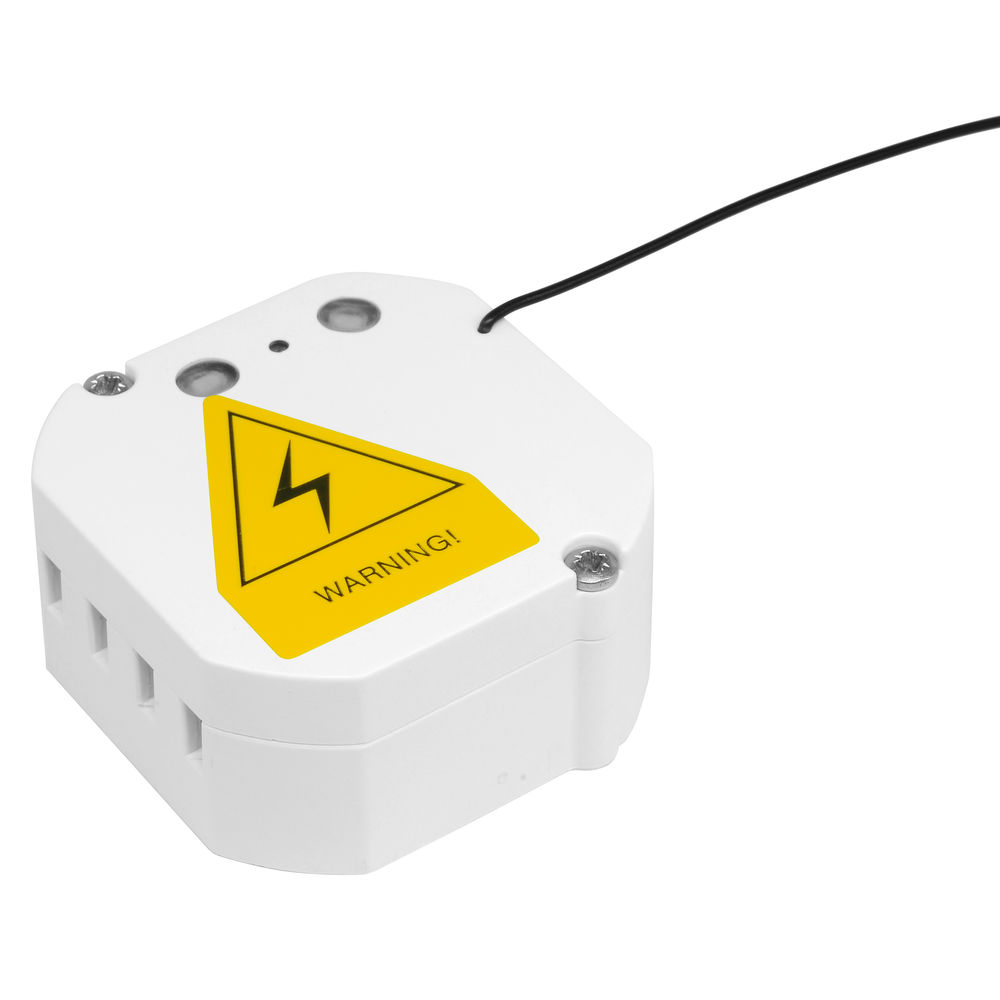
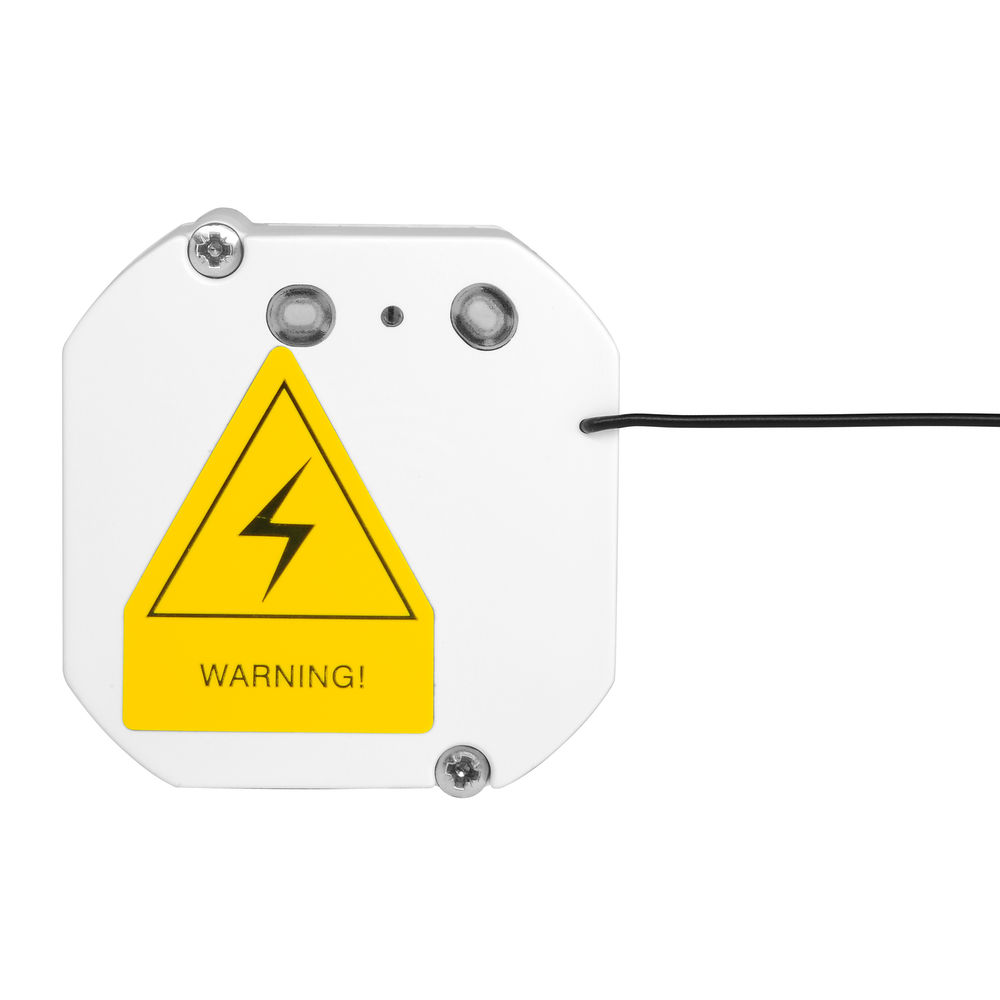
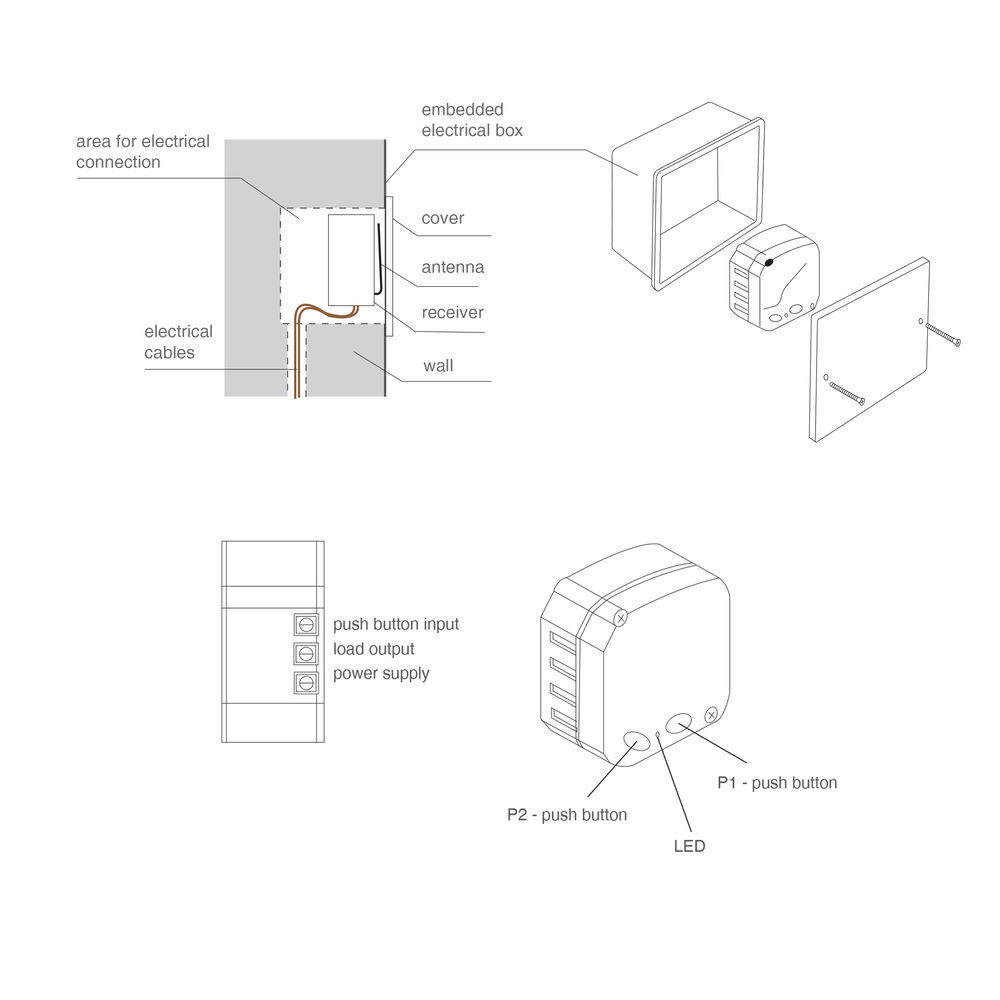
The receiver is small enough to be placed in many locations, for example; in the ceiling through a downlight hole, in the wall either through it, behind a recessed light fitting or in a surface mounted fitting. The receiver should be placed in a suitable insulated box.
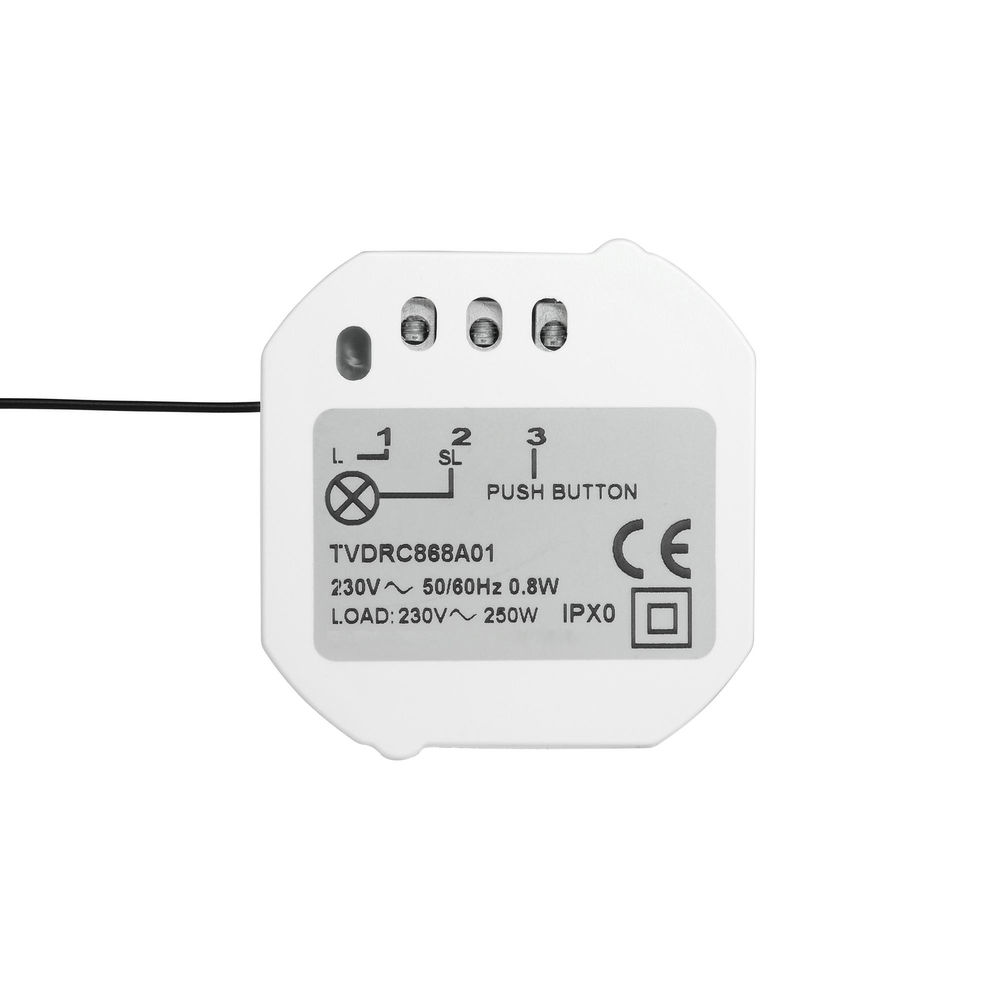
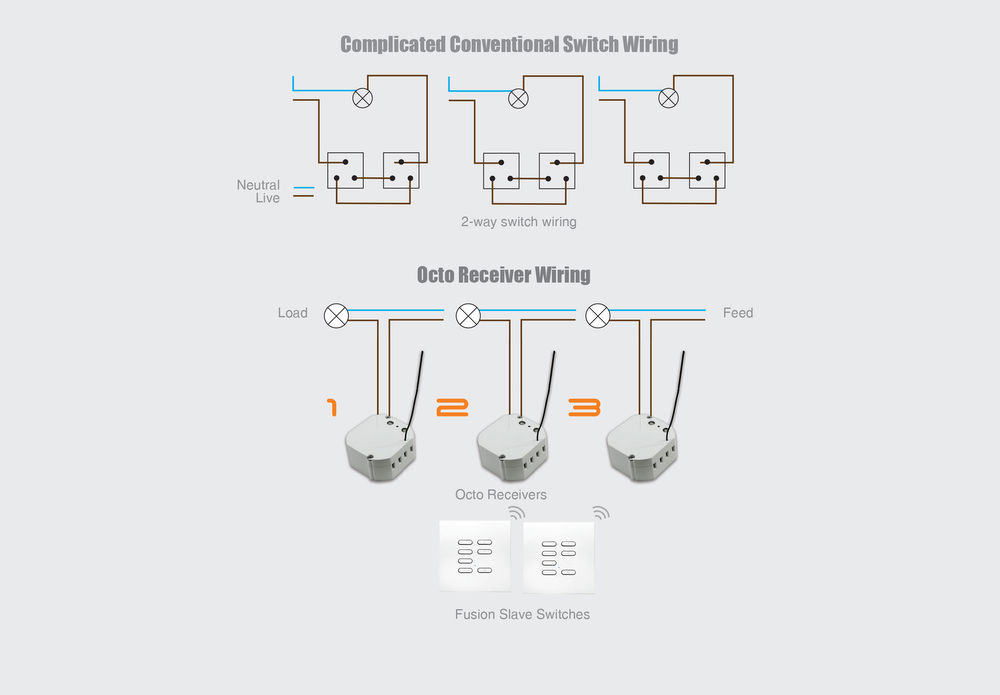
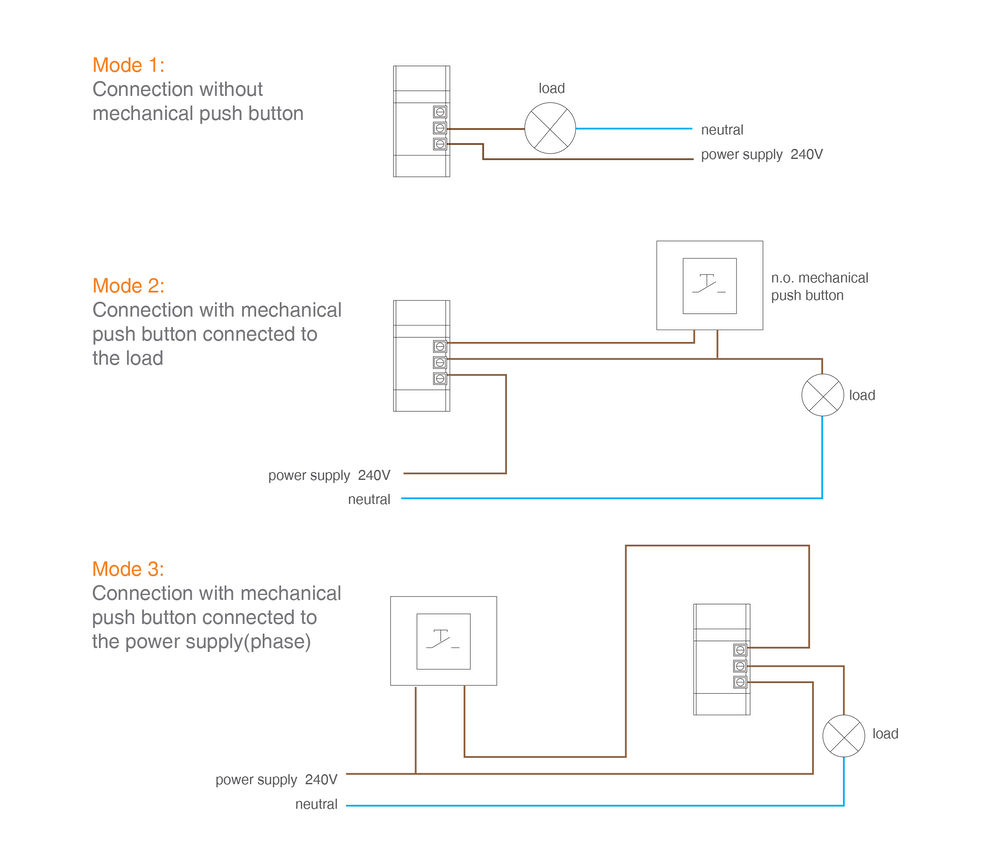
No neutral cable required, only live and line
- Dim at every switch
- Short circuit protection
- Automatically detects leading, trailing edge or capacitive loads
- LED mode
- Can be controlled by any wireless switch, remote or Wise wifi unit
- 4 scenes per switch, you can add up to 16 switches allowing upto 64 scenes
- Dim at every switch
- Group control - Master ON and/or Master OFF
- Unaffected scene
Wise Controls Introduction Video
WiseScene Octo Programming Tutorial
- Wireless platform — no rewiring between switches and receivers
- Programmed by button-press — no software, hub or app required to set up
- Free installer training and UK technical support from the Wandsworth team
Specifications
| Maximum Scenes Per Receiver | 64 |
| Maximum Switches Per Receiver | 16 |
| Minimum Spacing Between Receivers | 200mm |
| Radio Frequency | 868.3 MHz |
| Range for Metal Switch | 50m Max line of sight (subject to installation) |
| Range for Plastic Switch | 100m Max line of sight (subject to installation) |
| Dimensions | |
| Height | 48mm |
| Length | 48mm |
| Width | 20mm |
| Electrical | |
| Input Voltage | 240V |
| Maximum Wattage | 250W |
| Minimum Wattage | 25W |
| Output Voltage | 240V |
| General | |
| Construction | Plastic |
| IP Rating | IP20 |
Downloads
Spec sheets
Manuals & instructions
Common questions
Do I need Wi-Fi for this to work?
Is special programming software required?
Can I add this to an existing Wise installation?
Does it need a qualified electrician to install?
Where can I buy it?
Complete the look
Other products in the Dimming & Scene Setting range that pair with this one.
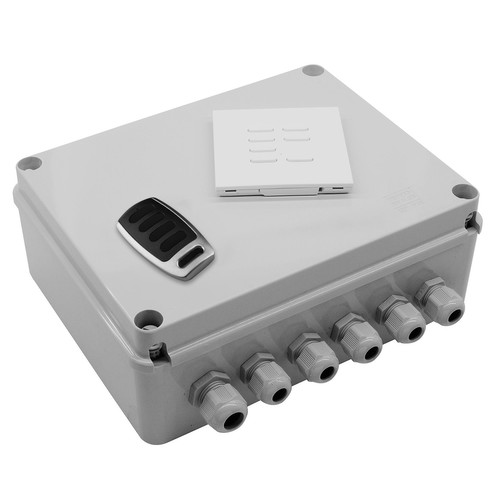 WISESCENE V4KITGWise Scene Box Kit includes Keypad and Key Fob 240V 4x500WWirelessScene SettingOutdoor£350.00 ex. VAT
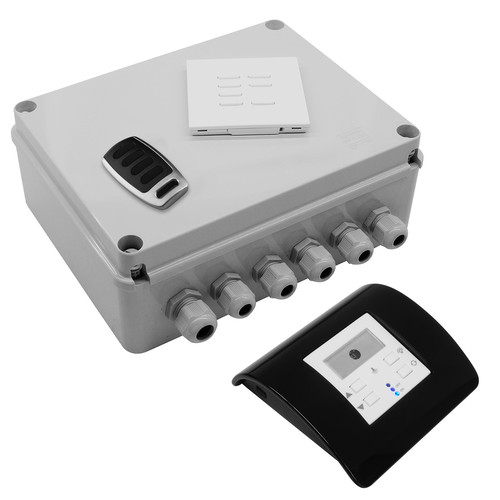 WISESMOUS KITMOWise Scene Box, Keypad, Keyfob and Mouse Dimmer & Daylight Sensor Kit 240V 4x500WWirelessScene SettingOutdoor£422.10 ex. VAT
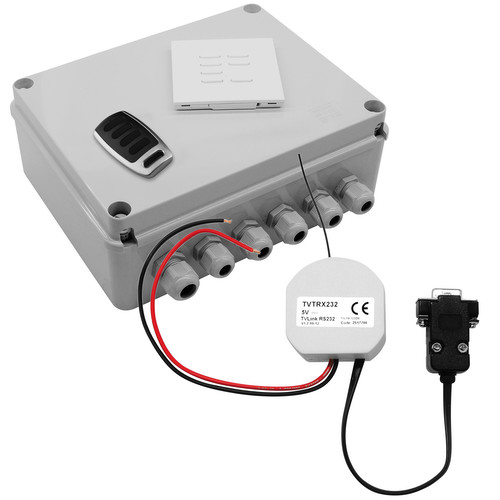 WISESCENE KITRSWise Scene Box Control 4 Keypad, Keyfob and RS232 Interface Kit 240V 4x500WWirelessScene SettingOutdoor£555.28 ex. VAT
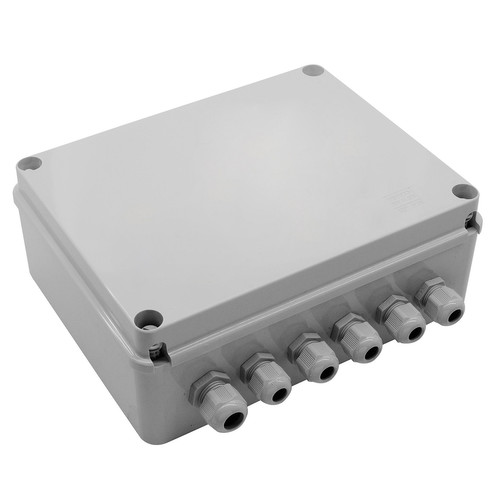 WISESCENE V4RECGWise Scene Box Receiver 240V 4x500WWirelessScene SettingOutdoor£300.00 ex. VAT