

One-tap lighting moods
Store multiple lighting scenes on a single keypad — breakfast bright, dinner warm, clean-down full, all off. Ideal for open-plan kitchens, hotel rooms, restaurants and living rooms. Programmed by button-press, recalled with a single tap.
One room, many moods
Tap a scene to see how a single Wise Scene keypad transforms the same living room. One master photograph is re-lit live — each scene dims the room to its own exposure and reveals just the right circuits, with dim-to-taste and a single-press master-off.
Tap a scene · dim to taste
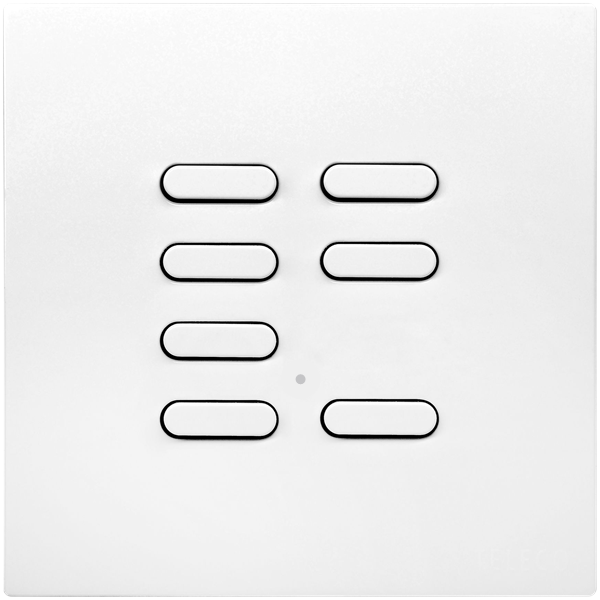
Scene 01 — 04
Everyday
The room as you live in it — daylight and every circuit up: cove, shelves, downlights, pendant and lamp all on.
Multiple circuits, multiple moods, one keypad
A Wise Scene controller is a multi-channel dimmer pack that stores not just on/off states but full lighting moods — different brightness levels across every circuit at once. A keypad on the wall recalls each mood instantly, with dedicated dim-up / dim-down keys to fine-tune any scene and a built-in master-off that kills every circuit in a single press.
Open-plan kitchens, restaurants, hotels and large living rooms are the natural fit — anywhere a single switch needs to drive several different "looks" through the day. Scenes are stored locally on the receiver, so they fire instantly and survive every internet outage.
See scene-setting in real installs →
Wise Intense scene keypad · bronze finish
Why specify Wise Scene
-
Pre-set lighting moods
Each keypad button recalls a complete lighting state across multiple circuits — not just one.
-
Program by keypad
No software, no hub, no commissioning laptop. Set the levels, press and hold to store.
-
Wireless slave keypads
Add a second or third keypad anywhere in the room — no parallel cabling, no rewiring.
-
Multi-circuit dimming
Independently dim several circuits from one keypad — pendants, perimeter, accent, task — all from one device.
-
Master-off in one tap
Built-in master-off function turns every circuit off from any keypad — ideal for leaving the room or end of service.
-
Smart-home ready
Drop in a Wise Daisy hub later for voice and app recall of any stored scene.
Where Wise Scene earns its keep
Three project types where stored scenes pay back the spec time many times over.
- Kitchen
Breakfast, dinner, clean-down
One keypad at the island fires three preset moods through the day — cool & bright for breakfast prep, warm & low for evening dining, full output for cleaning up. Master-off on the way to bed.
- Hospitality
Guest rooms at scale
Each room runs identical Wise Scene programming. Maintenance reset is mechanical — a single keypad press on entry. No app fuss for the guest.
- Living room
Layer the light, simplify the controls
Pendants, table lamps, accent spots and an architectural feature wash — usually four separate switches. Wise Scene puts every combination, plus live dimming, on one tidy keypad.
Wise Scene products
15 scene controllers and keypads currently in the catalogue.
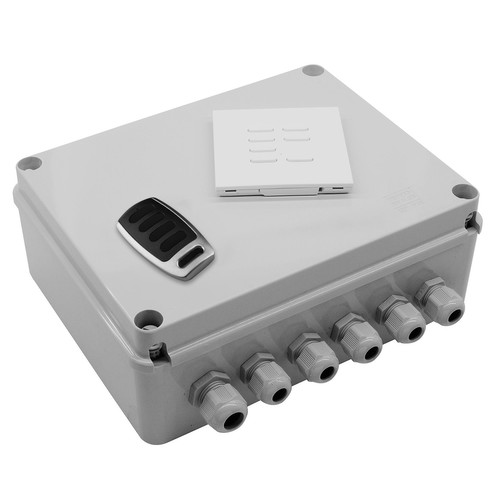 WISESCENE V4KITGWise Scene Box Kit includes Keypad and Key Fob 240V 4x500WWirelessScene SettingOutdoor£350.00 ex. VAT
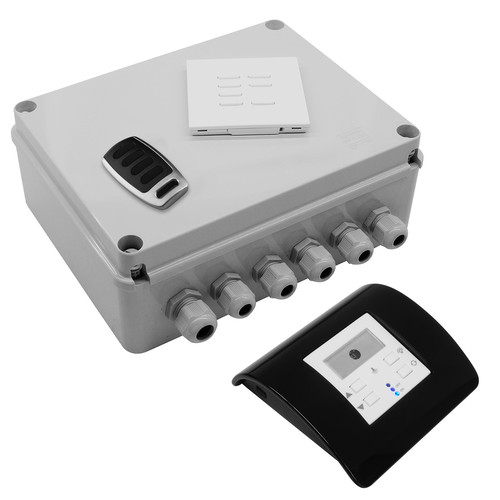 WISESMOUS KITMOWise Scene Box, Keypad, Keyfob and Mouse Dimmer & Daylight Sensor Kit 240V 4x500WWirelessScene SettingOutdoor£422.10 ex. VAT
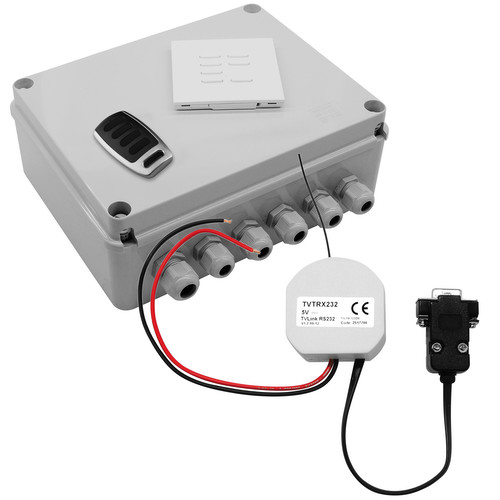 WISESCENE KITRSWise Scene Box Control 4 Keypad, Keyfob and RS232 Interface Kit 240V 4x500WWirelessScene SettingOutdoor£555.28 ex. VAT
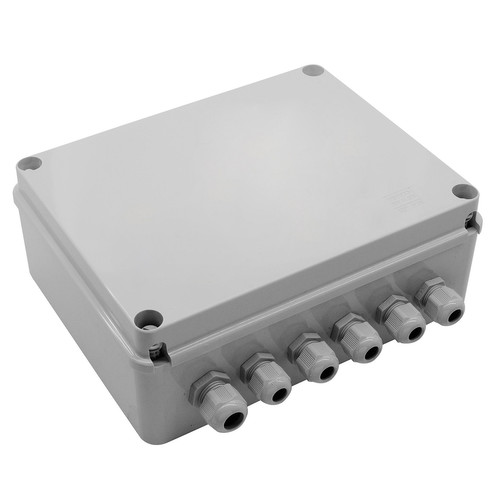 WISESCENE V4RECGWise Scene Box Receiver 240V 4x500WWirelessScene SettingOutdoor£300.00 ex. VAT
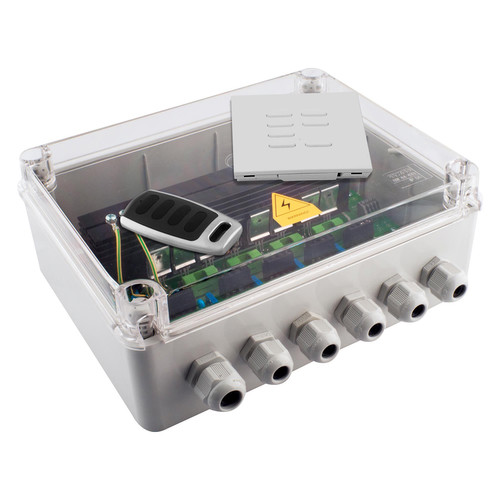 WISESCENE V4KITCWise Scene Box Kit includes Keypad and Key Fob Clear Lid 240V 4x500WWirelessScene SettingOutdoor£350.00 ex. VAT
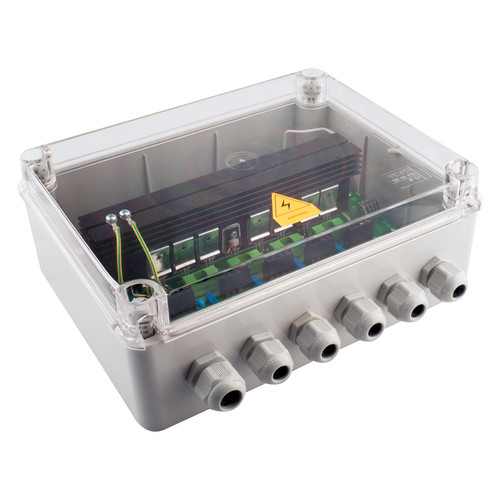 WISESCENE V4RECCWise Scene Box Receiver Clear Lid 240V 4x500WWirelessScene SettingOutdoor£300.00 ex. VAT
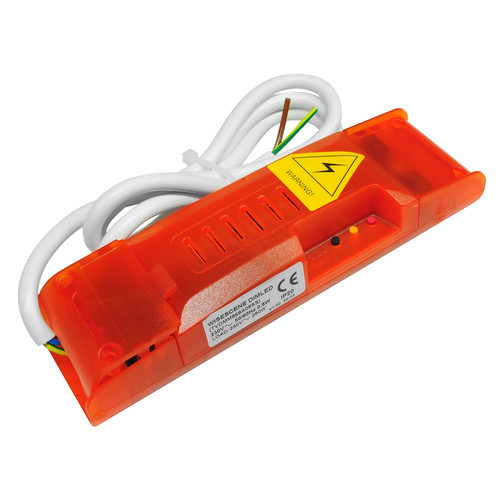 WISESCENE V2DIMLWise Scene LED Dimming Receiver 240V 100W£90.00 ex. VAT
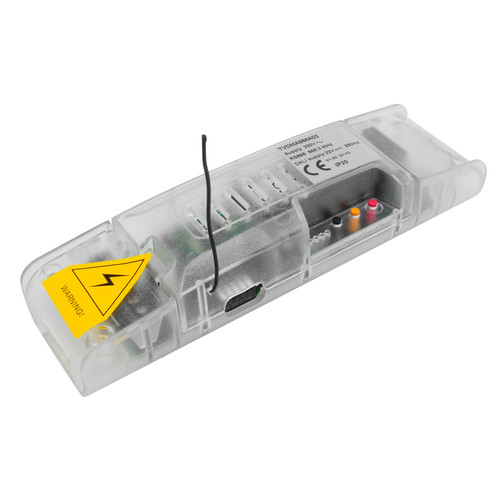 WISESCENE DALIWise Scene Dali Receiver Pack 240V£157.59 ex. VAT
How a scene is stored
No software, no hub — every Wise Scene controller is programmed from the keypad itself.
- 1
Set the levels
Use the keypad in dimmer mode to set each circuit's brightness exactly as you want it.
- 2
Hold the scene button
Press and hold the button on the keypad you want to store the scene against.
- 3
Beep confirms
The receiver beeps to confirm — the scene is now stored locally on the receiver.
- 4
Recall any time
A single tap of that button fires the stored scene instantly. Repeat for the other buttons.
Wise Scene FAQ
How many scenes can a Wise Scene controller store?
Can I overwrite a scene later?
Do scenes survive a power cut?
Can the same scene be triggered from multiple keypads?
Does it work with my existing Wise Box install?
How do I add voice or app control?
Specifying a Wise Scene install?
Our technical team will work through the scene programming, keypad placement and circuit groupings for your project. Free of charge — residential, hospitality, or commercial fit-outs.