
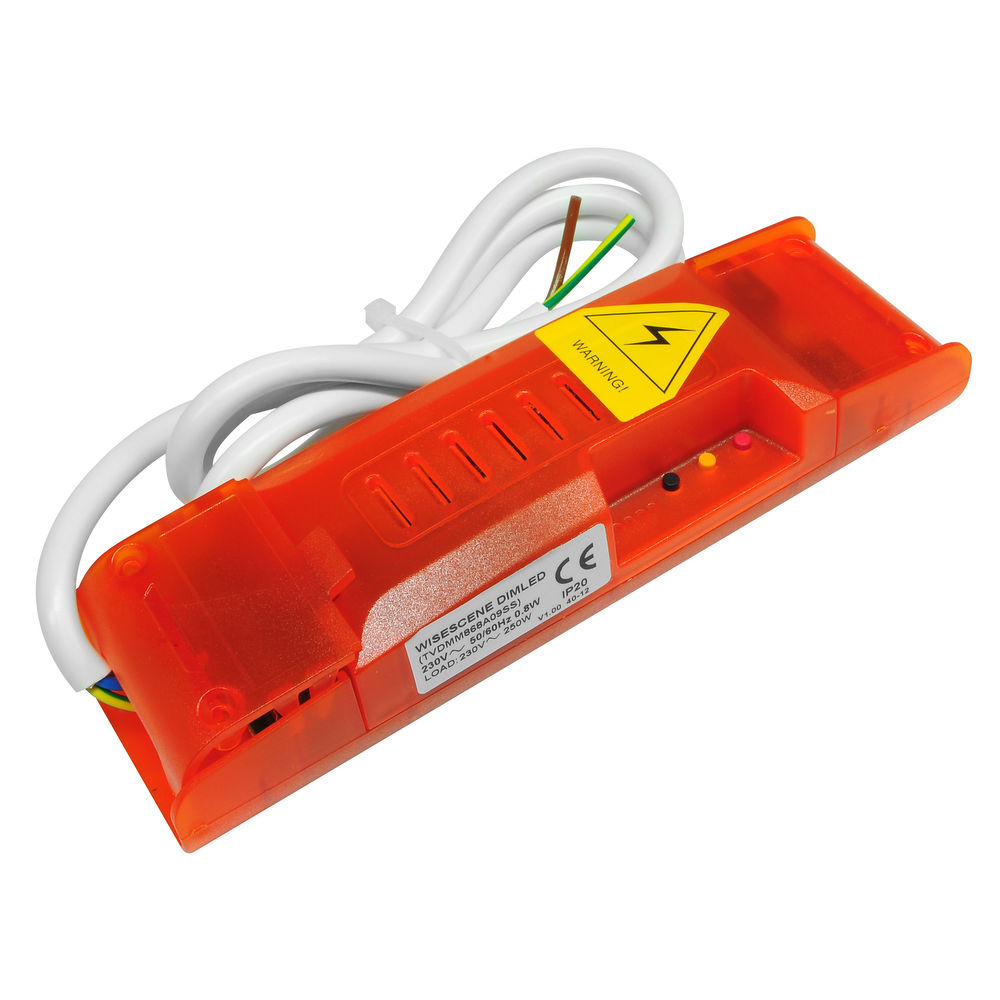
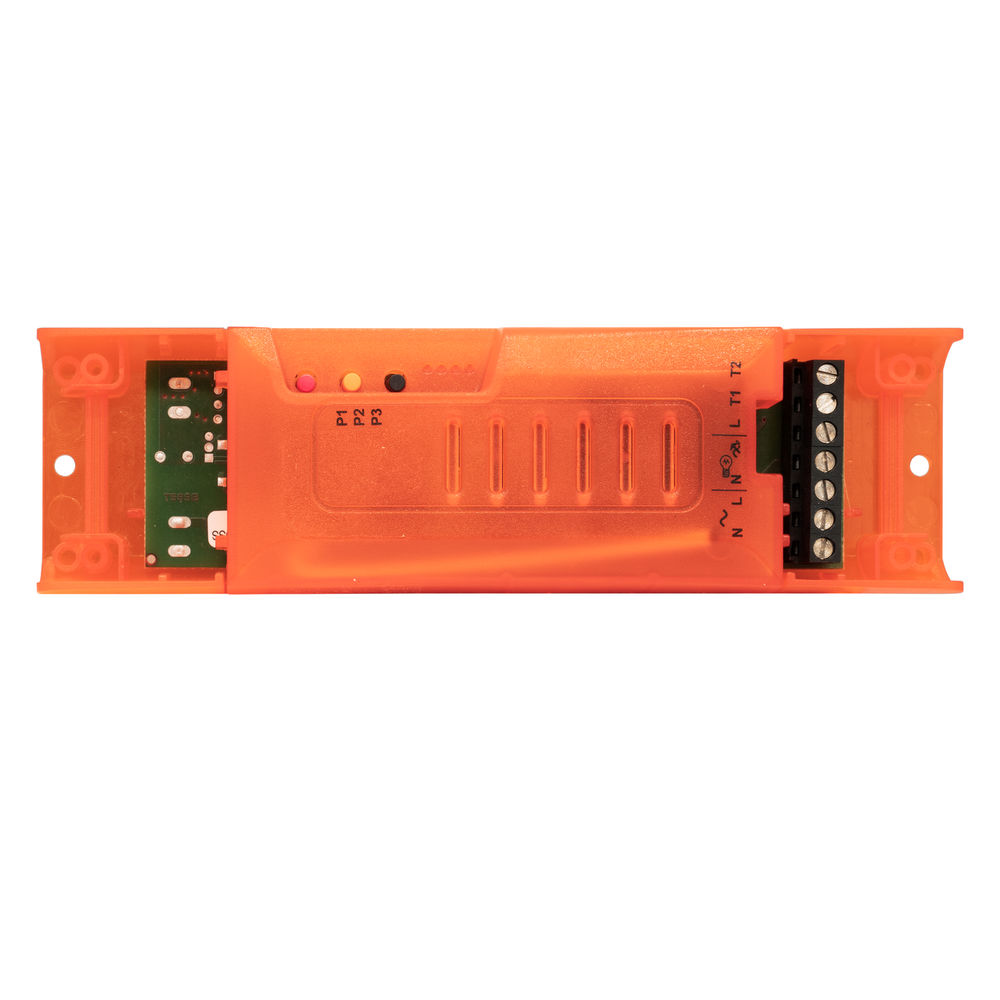
Wise Scene LED Dimming Receiver 240V 100W
Option A - Scene Programming
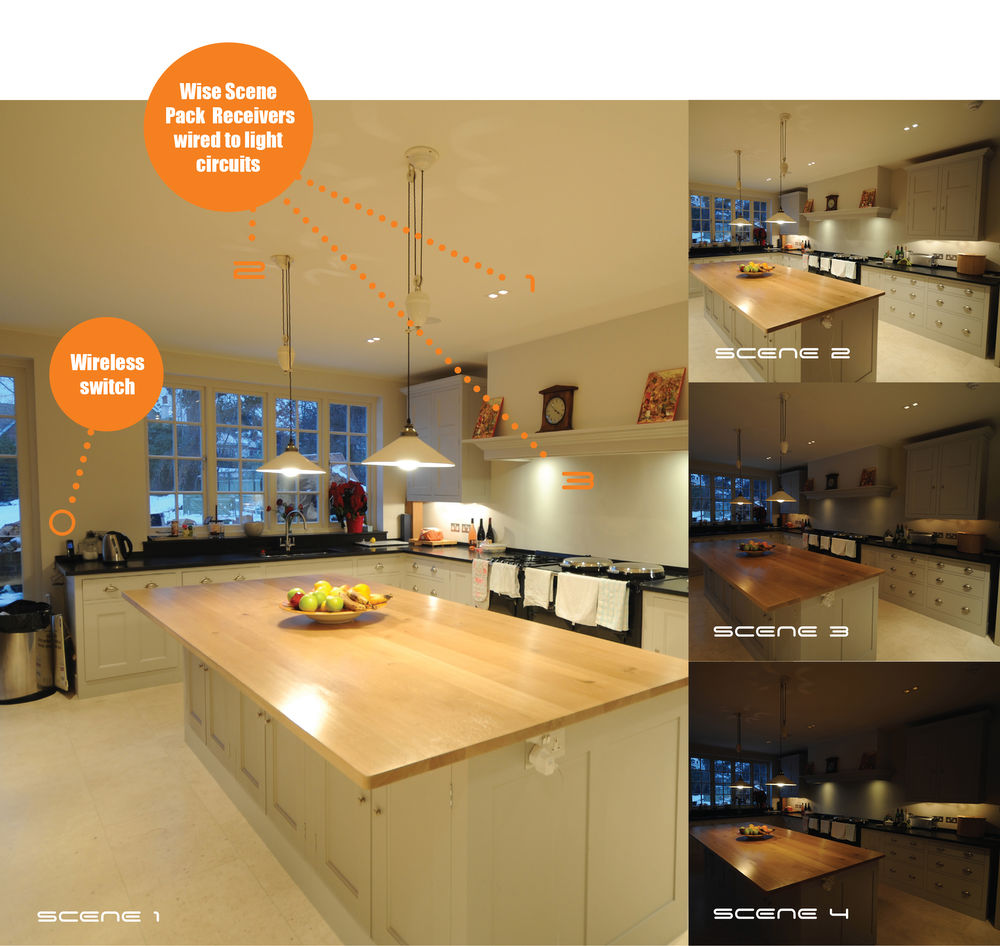
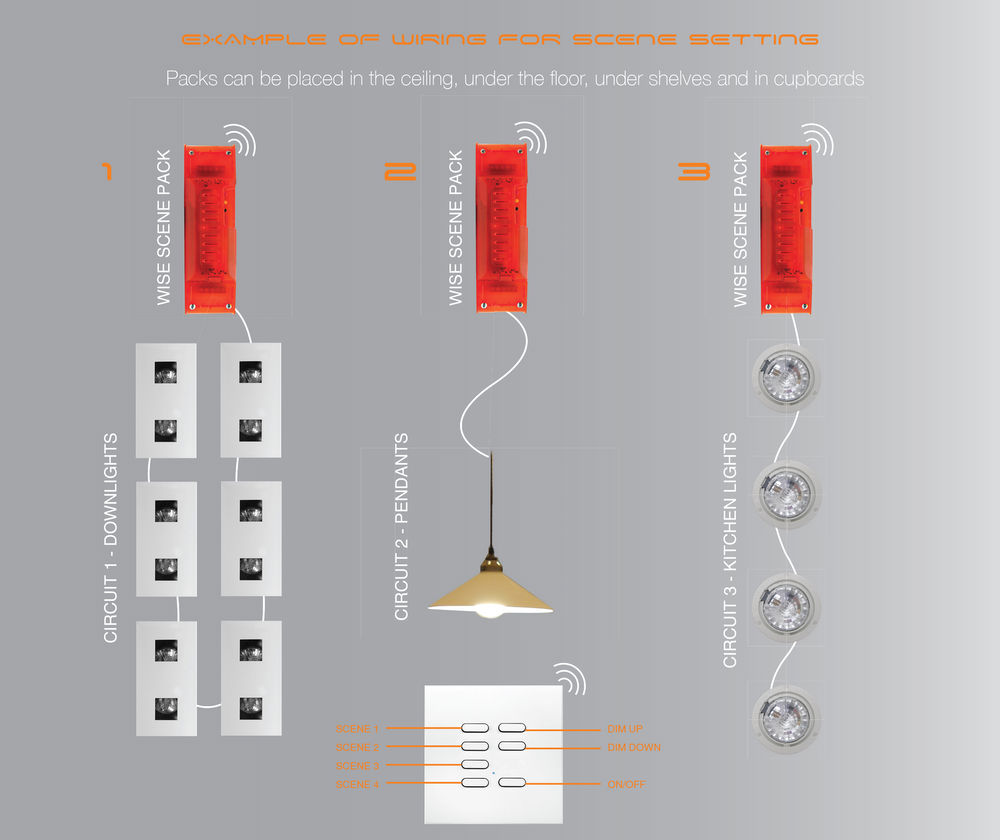
Programming a 7 button switch gives you 4 scenes, master raise/lower and off. A scene is a preset level of light for each circuit in a room. For example, you can have 4 receivers in your living room. Pressing scene 1 on the 7 button switch could give the following;
Downlights = 100%
Wall lights = 80%
Pendant = Off
Low level LEDs = 55%
Pressing scenes 2,3 and 4 can give other preset levels. Any level can be programmed to each receiver.
Option B - Dimming Programming
Programming a 1 button switch gives you on/off with a quick press and dimming up and down while holding the switch. When turning the lights on you can choose to always bring on the lights at 100% or the last dimmed level.
Option C - Switching ON only
Programming a 1 button switch gives you only ON. This function is used to program multiple circuits to ON.
Option D - Switching OFF only
Programming a 1 button switch gives you only OFF. This function is used to program multiple circuits to OFF.
Option E - Three Button Dimming
Programming a 3 button switch gives you raise function on the first button, dimming function on the second button and off function on the third button.
A receiver is not limited to one of the programming options. You can program a switch for scene control, another switch for dimming and another switch for master ON/OFF.
Wireless Switches and Remotes
A 7 button switch must be used if you require scene setting, option A. Any button switch can be used when programming options B, C and D. A 3 button switch is required for 3 button dimming, option E. To view other switches click the links on the right of this page, for example Wireless ID switches.
A wired push-to-make switch will work as a dimmer, Option B.
A Wise Scene Receiver is required for every circuit.
WiseScene Dimled Programming
- Wireless platform — no rewiring between switches and receivers
- Programmed by button-press — no software, hub or app required to set up
- Free installer training and UK technical support from the Wandsworth team
Specifications
| Maximum Addresses | 20 |
| Maximum Scenes Per Receiver | 64 |
| Maximum Switches Per Receiver | 16 |
| Minimum Spacing Between Receivers | 200mm |
| Radio Frequency | 868.3 MHz |
| Range for Metal Switch | 50m Max Line Of Sight |
| Range for Plastic Switch | 100m Max Line Of Sight |
| Dimensions | |
| Height | 35mm |
| Length | 165mm |
| Width | 47mm |
| Electrical | |
| Input Voltage | 240V |
| Maximum Wattage | 100W |
| Minimum Wattage | 7W |
| Output Voltage | 240V |
| General | |
| Construction | Plastic |
| IP Rating | IP20 |
Downloads
Spec sheets
Manuals & instructions
Common questions
Do I need Wi-Fi for this to work?
Is special programming software required?
Can I add this to an existing Wise installation?
Does it need a qualified electrician to install?
Where can I buy it?
Complete the look
Other products in the Dimming & Scene Setting range that pair with this one.
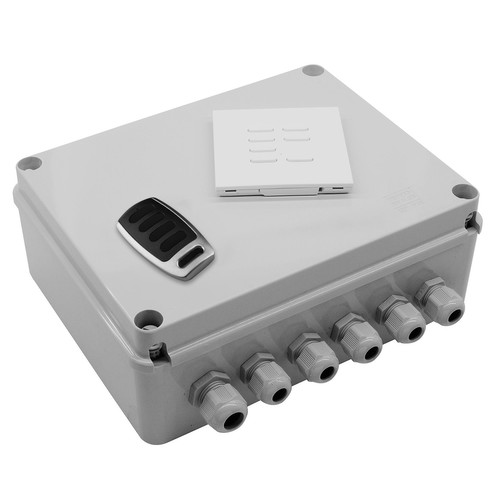 WISESCENE V4KITGWise Scene Box Kit includes Keypad and Key Fob 240V 4x500WWirelessScene SettingOutdoor£350.00 ex. VAT
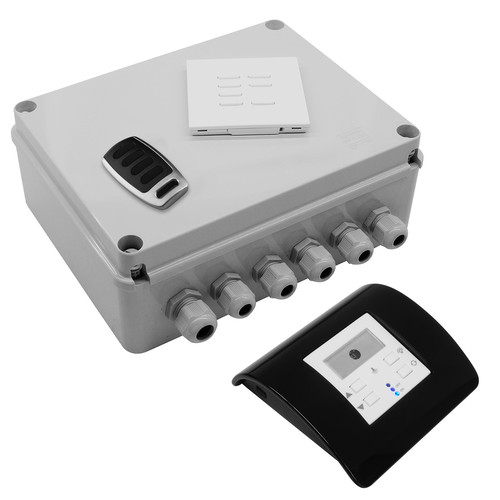 WISESMOUS KITMOWise Scene Box, Keypad, Keyfob and Mouse Dimmer & Daylight Sensor Kit 240V 4x500WWirelessScene SettingOutdoor£422.10 ex. VAT
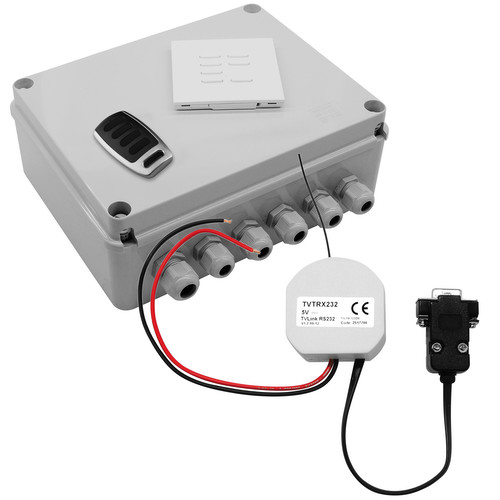 WISESCENE KITRSWise Scene Box Control 4 Keypad, Keyfob and RS232 Interface Kit 240V 4x500WWirelessScene SettingOutdoor£555.28 ex. VAT
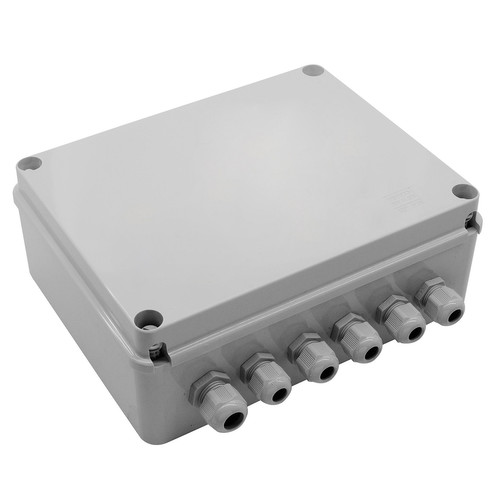 WISESCENE V4RECGWise Scene Box Receiver 240V 4x500WWirelessScene SettingOutdoor£300.00 ex. VAT